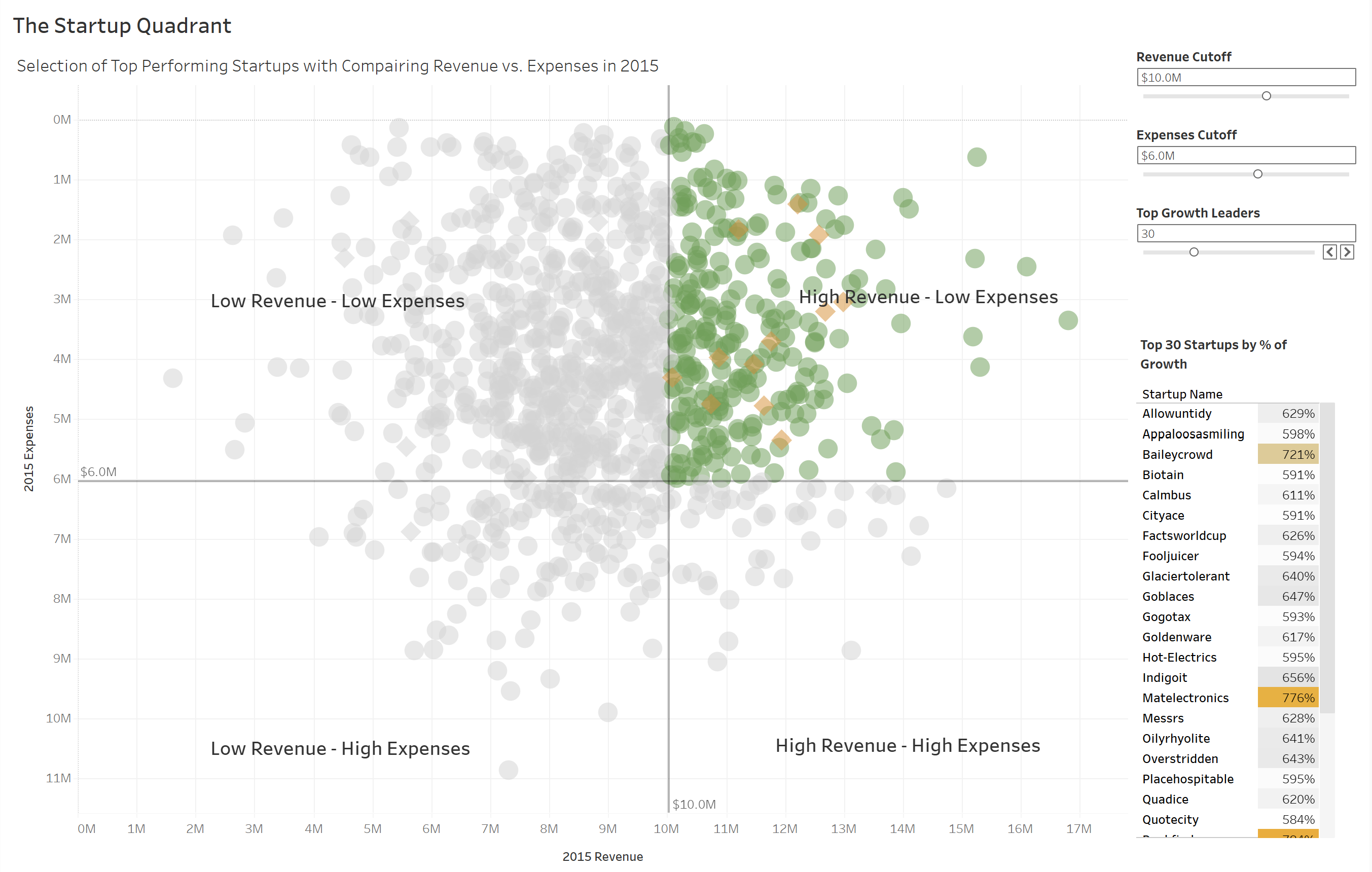
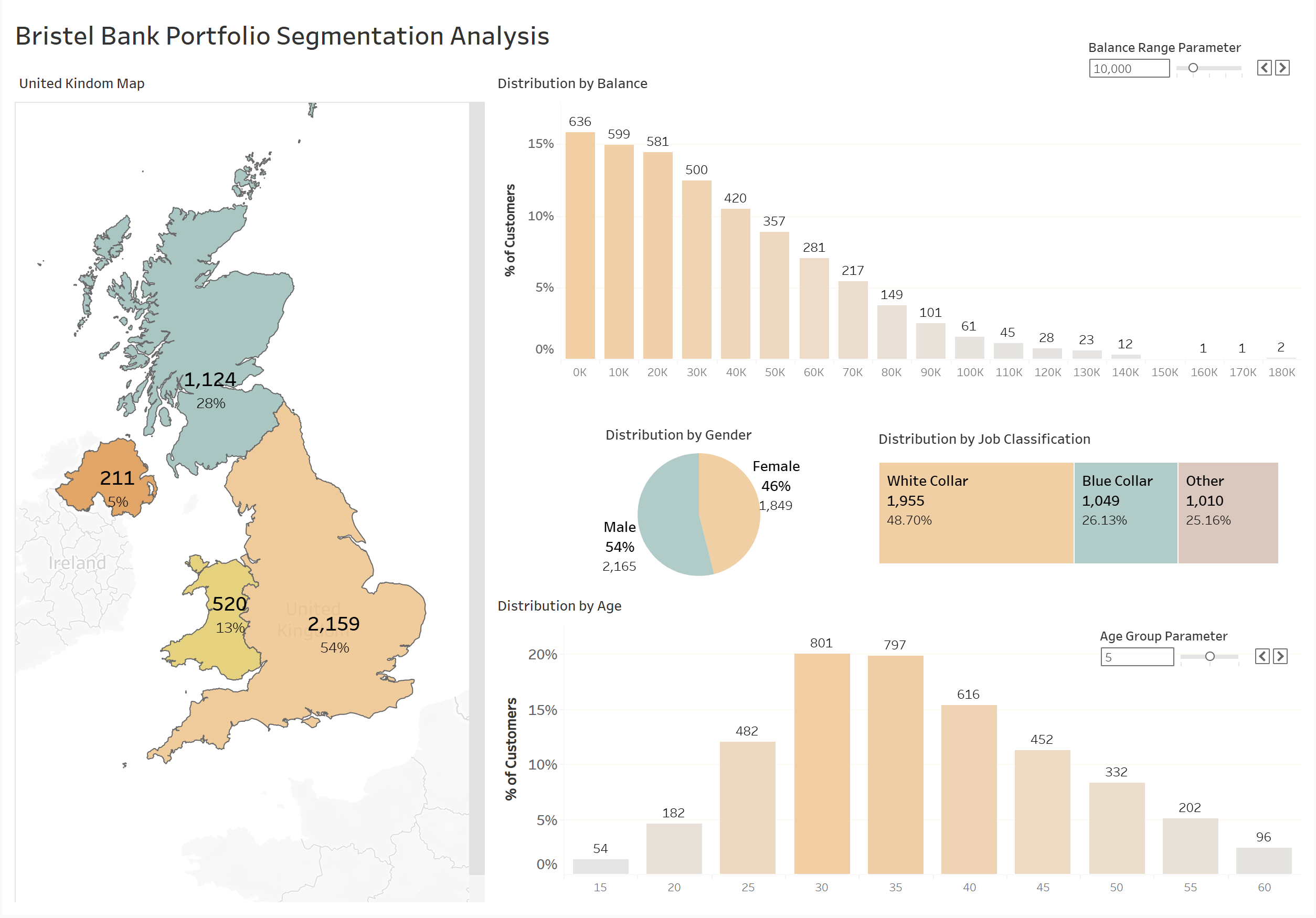
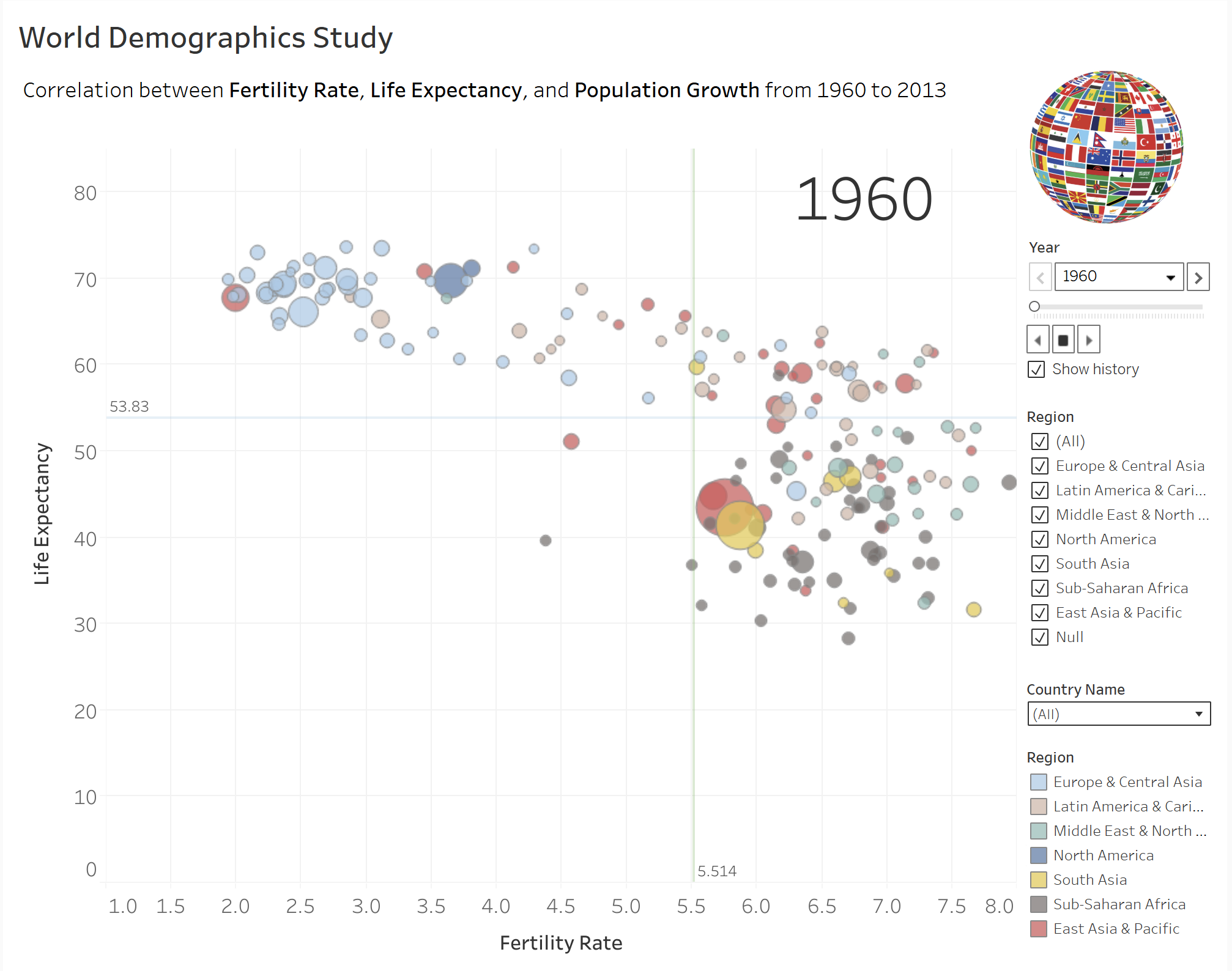
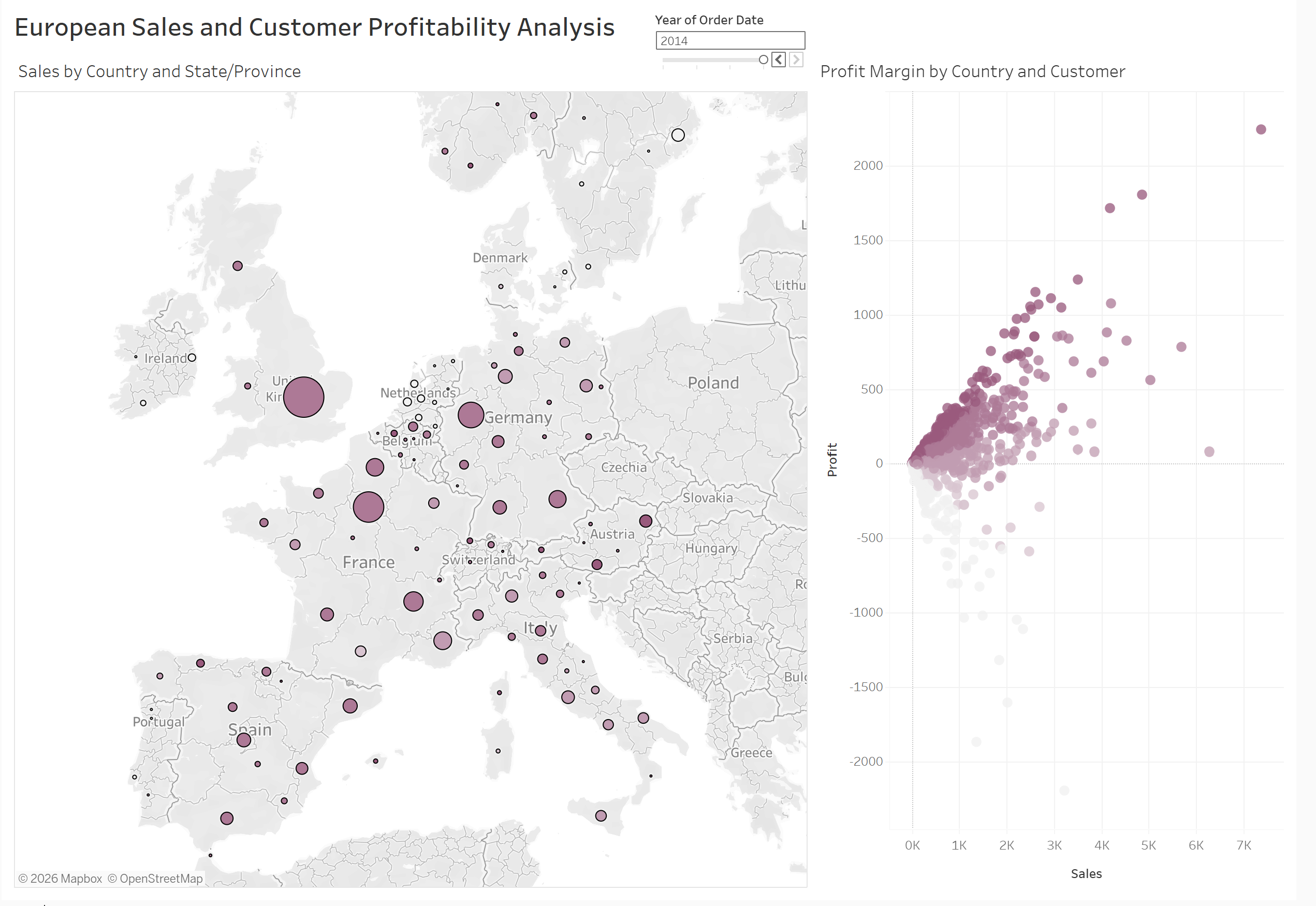
Sales Performance Dashboard
End-to-end reporting and insights for sales teams using Power BI and SQL analytics.

MANUEL MUNOZ JR
Welcome to my analytics portfolio. This curated collection showcases the enterprise BI and data engineering work I deliver for Fortune 100 organizations. Explore Power BI and Tableau dashboards, governed semantic models with DAX and security controls, data storage and cloud architecture on Microsoft Azure and ADLS Gen2, data transformation and ingestion workflows via Power Query, Alteryx, and KNIME, SQL systems, and end-to-end analytics solutions—each designed to transform complex data into strategic decision intelligence.
About Me
I'm interested in opportunities where strategic thinking, technical rigor, and operational impact converge—whether full-time roles, contract work, or advisory engagement.
Over the past 15 years, I've built my career at the intersection of technology and strategic business transformation, designing IT solutions and business intelligence platforms for Fortune 100 and multinational organizations. I don't simply implement systems—I fundamentally rethink how technology solves complex business problems.
What drives me is translating ambiguous business needs into concrete, scalable solutions. I've architected multidisciplinary frameworks, reengineered critical business processes, and built analytics platforms that empower senior leadership with the operational insight, performance transparency, and risk awareness they need to make informed decisions. At CVS Health and Northrop Grumman, I delivered enterprise solutions integrating KPIs and Key Risk Indicators (KRIs) that enabled proactive decision-making, early issue detection, and effective risk management—the kind of work that demonstrably moves organizational outcomes.
My approach to data is both rigorous and practical. I'm deeply proficient across the full BI lifecycle—from data wrangling and curation using Power Query and Alteryx, through exploratory and diagnostic analysis, to creating compelling visualizations and interactive dashboards with Power BI and Tableau that tell clear, actionable stories. I believe that data only has value when it drives decisions, which is why I prioritize transparency in my work: documenting data lineage, validating accuracy, and ensuring reproducibility across teams and time.
Beyond technical expertise, I bring a strategic mindset honed through years working across diverse business domains and organizational challenges. I understand how to balance immediate business needs with long-term architectural vision—the tension that separates solutions that work from solutions that last. I'm equally committed to the human element: educating stakeholders, simplifying complexity through intuitive design, and ensuring that the solutions I deliver are actually used and valued by the people they're meant to serve.
Enterprise Stack
Hover over any technical capability to instantly explore my specific proficiency level, architectural justification, and typical implementation rationale for that technology.
Verified Credentials
9 industry-recognized certifications spanning enterprise BI, data architecture, process automation, and AI transformation — each independently verified and publicly auditable.
9 Certifications
All independently verifiable

Microsoft Corporation
Microsoft Certified AI Transformation Leader AB-731

Microsoft Corporation
Certified Microsoft Power BI Data Analyst PL-300

Tableau Software LLC
Certified Tableau Desktop Specialist
Featured Case Studies
End-to-end reporting and insights for sales teams using Power BI and SQL analytics.
A centralized analytics workspace for campaign performance, conversions, and spend.
Dimensional model and ETL architecture for scalable business intelligence workflows.
Executive Perspective
The following Q&A draws from actual interview sessions — the exact questions asked, and the responses I gave.
While developing a risk metrics dashboard at a major healthcare organization, I produced a trending analysis showing a consistent month-over-month decline in control deficiency rates — which leadership initially received as a positive signal.
Before it was formally presented, I ran a secondary validation pass and discovered the trend was an artifact of how I had joined two datasets with misaligned reporting periods. One dataset closed on the last business day of the month; the other on the calendar month-end. During months with significant end-of-month variance, the join was silently dropping records rather than mismatching them — so the "improvement" was actually missing data.
I flagged it immediately, pulled the presentation, corrected the data model with an explicit date-normalization logic layer, and re-ran the full analysis. The corrected trend was flat — no improvement, but no deterioration either. I also documented the root cause and added a data quality check to the pipeline so the same edge case would surface as a warning in future refreshes.
Honestly, that decision starts with one question I've trained myself to ask before I touch anything — 'Have we been here before?' Because nine times out of ten, what's being framed as a one-time urgent request isn't actually one-time. Someone just hasn't connected the dots yet.
Take a scenario I've lived through more than once. A senior manager urgently needs a regional sales performance report broken down by product line — needed by end of day for an executive meeting. The team's default move is pull the data, stitch it together in Excel, email it up. Done. Everyone goes home.
Except two weeks later, that same request comes back. Then it becomes monthly. Then someone's out sick and nobody else knows how to build it. Now you've got a fragile, manual process living in someone's head and a spreadsheet nobody fully trusts.
So what I do in that moment is have a quick, direct conversation with the manager. I tell them — I can get you what you need today, that's not the issue. But I also want to flag that if we spend a little time building this properly — a clean data model, scheduled refresh, automated in Power BI — nobody has to touch it again after this week. And more importantly, we eliminate the risk of someone pulling the numbers wrong because they skipped a step in the manual process.
That last part matters more than people realize. When you're doing ad hoc pulls under pressure, there are no checks and balances. There's no validation layer, no audit trail, no consistency between what was pulled last month and what's being pulled today. A proper architecture builds all of that in — so when leadership asks a follow-up question about the numbers, you're not scrambling to reconcile two different versions of the same report.
Most managers respond well to that conversation because you're not pushing back on their urgency — you're protecting them from a problem they haven't seen yet.
Short-term fix gets them through today. The right architecture gets everyone out of the weeds permanently. I'd rather have that five-minute conversation upfront than spend the next six months owning a manual process nobody planned for.
In a large enterprise environment, I faced a classic tension between two stakeholders pulling in opposite directions on the same reporting surface. The cybersecurity risk operations team needed granular, control-level deficiency data — specific finding IDs, remediation owners, and aging metrics — while senior leadership needed high-level KPI/KRI trend summaries to inform governance decisions.
The path of least resistance would have been to build each team their own dedicated dashboard. But that approach carries a compounding cost — duplicate data models, divergent definitions, parallel maintenance cycles, and eventually two versions of the truth that quietly drift apart. Instead, I reframed the problem architecturally. I built a single unified semantic model in Power BI — one governed data layer — and separated only the presentation into two lightweight reporting canvases — each tailored to its audience's decision context, but both designed so that any high-level visual could be interrogated deeper, allowing users to navigate from summary indicators down to the underlying granular records without ever leaving the report. The executive canvas exposed trend lines, threshold indicators, and period-over-period risk posture. The operational canvas surfaced the remediation queue, control owner assignments, and aging breakdowns.
The connective layer between them was deliberate: I implemented drillthrough actions on the executive-level visuals so that any flagged KRI — say, a spike in open high-severity findings — could be drilled through directly into the operational detail behind that signal. No context switching, no separate report to open, no data reconciliation question. The executive sees the signal; the analyst can immediately navigate to the source records driving it. I also used drilldown hierarchies within certain visuals — for example, a risk category summary that could be expanded from domain → control family → individual finding — so the level of granularity was user-controlled rather than hardcoded into a single view.
For cases requiring deeper investigation beyond what the dashboard surface could reasonably present, I embedded direct hyperlinks from individual records to their corresponding entries in the system of record — giving analysts a single click path to the authoritative source without leaving their workflow. I also enabled scoped data exports to Excel at the visual level, so operational team members could pull filtered subsets for ad hoc analysis, audit documentation, or offline review without needing direct database access or a separate data request.
The result was a reporting architecture that satisfied both audiences without doubling the maintenance burden — executive-ready at the surface, operationally deep on demand, and connected all the way back to the system of record when the analysis needed to go further.
My approach is pretty practical — I try to make sure DAX isn’t doing more work than it has to.
The first thing I look at is upstream. If something can be handled in the source or in Power Query, I’ll push it there. DAX runs at query time, so the more you leave for it to figure out on the fly, the slower your reports are going to feel.
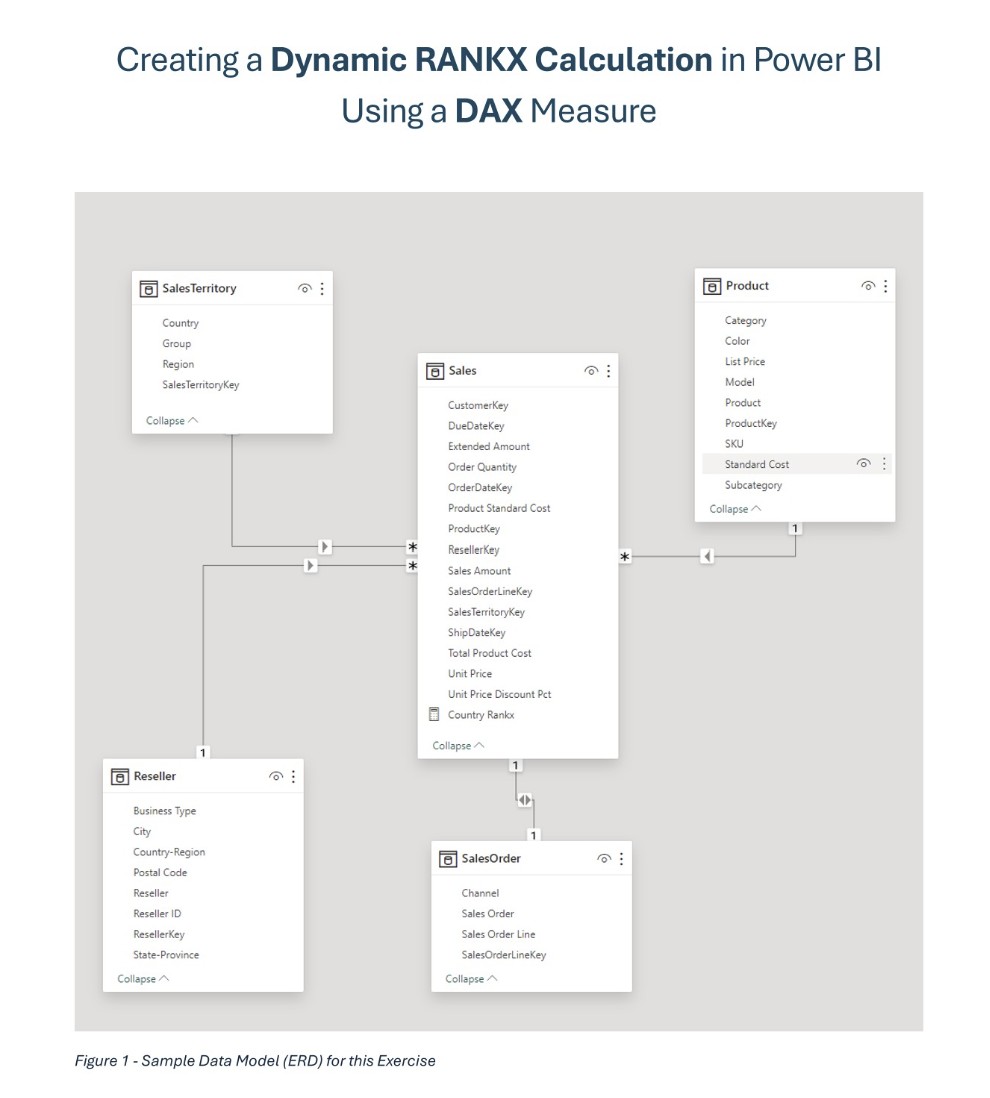
From a modeling standpoint, I stick to a clean star schema as much as possible — keeping fact and dimension tables clearly separated. I’ve found that a lot of performance issues come from overcomplicating the model, especially with bi-directional relationships or messy joins, so I try to keep relationships simple and predictable.
When I’m writing DAX, I focus on keeping measures efficient and reusable. I avoid calculated columns unless there’s a real need, and I’m careful with anything that forces row-by-row evaluation, like heavy iterator use. Variables are something I use a lot — mostly to keep things readable, but they also help avoid recalculating the same logic multiple times.
And when something does feel slow, I don’t guess — I’ll go into tools like Performance Analyzer or DAX Studio to see what’s actually happening under the hood. That usually points pretty quickly to whether the issue is the model, the DAX, or even just a specific visual.
So overall, it’s really about keeping the model lean, being intentional about where calculations happen, and validating performance with the right tools rather than trial and error.
I’ve found that user adoption really comes down to designing with intention from the very beginning — not just building something that works, but something people actually want to use.
So I start by understanding how the end users think and what decisions they’re trying to make day to day. That drives everything — from the layout of the dashboards to the metrics I highlight. If it doesn’t clearly answer a business question, it probably doesn’t belong there.
I also try to make the experience part of their routine. Things like alerts and email subscriptions are simple but really effective — they bring the data to the user instead of expecting the user to go looking for it. That tends to drive consistent, daily engagement.
Another big piece is keeping things simple and intuitive. I’ve seen adoption drop when dashboards try to do too much. So I focus on clarity — clean visuals, consistent design, and just enough interactivity without overwhelming people.
Beyond the product itself, I make sure there’s a feedback loop. I’ll usually identify a few power users early on, get their input, and iterate based on how they’re actually using the reports. That helps build internal champions who naturally drive adoption across their teams.
And finally, I support the rollout with short, practical training — not long sessions, but focused walkthroughs that show people how this helps them in their day-to-day work. Tools like Power BI are powerful, but adoption only happens when users feel comfortable and see immediate value.
So overall, it’s a mix of thoughtful design, making the data part of their workflow, and continuously adapting based on real user behavior.
Thought Leadership
The following document is one in a series of technical guides that I have created for my training workshops and reference libraries, serving as job aids to help my peers understand complex subjects. These materials reflect how I approach technical documentation: with deliberate clarity, logical sequencing, and the contextual detail that separates instruction from mere reference material. I organize complex concepts into digestible steps while preserving the reasoning behind each decision—ensuring readers understand not just what to do, but why it matters and how the pieces fit together. The goal is documentation that enables both comprehension and confident execution, whether someone is learning the technique for the first time or troubleshooting an implementation.
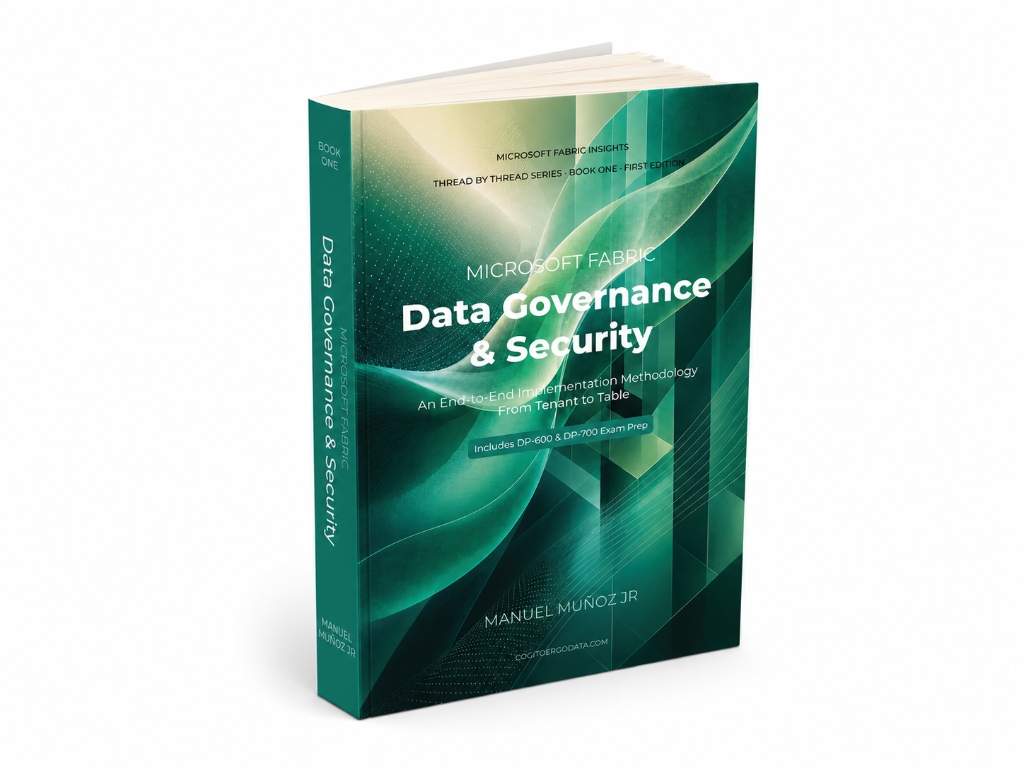
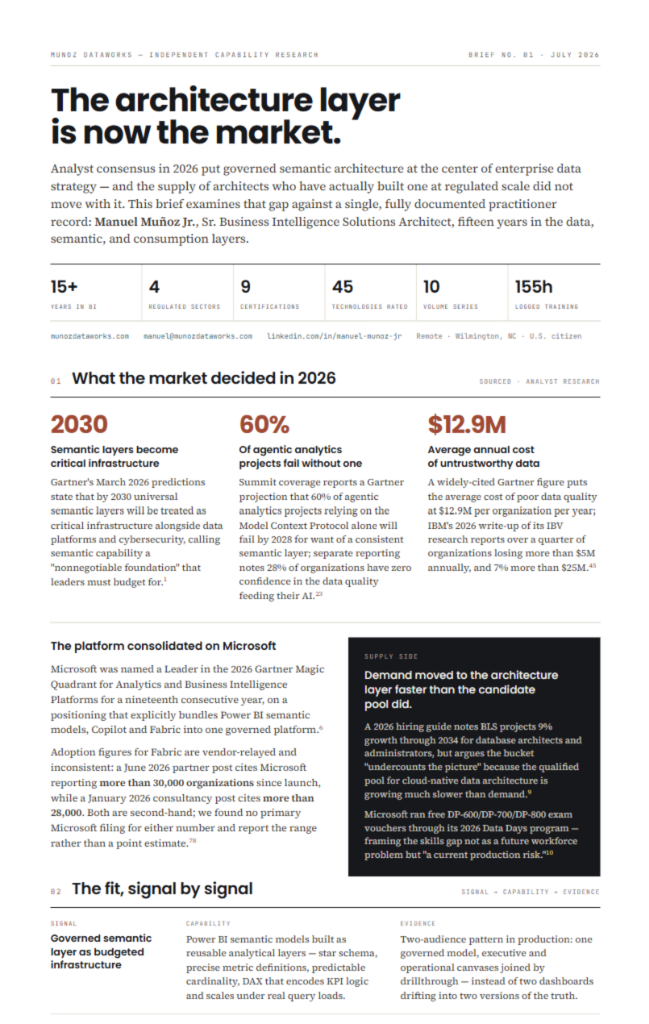
The following document is one in a series of best practice briefs that I have written, drawing from knowledge accumulated over my professional career. These writings, which I often share in training and apply in my work, represent the institutional knowledge that can't be found in vendor documentation or certification exams — the kind that only years of hands-on experience can teach. Requirement gathering, data visualization strategy, and the governance patterns that prevent analytics initiatives from becoming operational liabilities—these are disciplines learned through witnessing both failures and successes at scale. I write about the framework-level decisions that separate mature analytics teams from those perpetually firefighting technical debt.
Curriculum Vitae
Ready to look deeper into the qualifications behind the portfolio? View a comprehensive breakdown of my 15+ years of professional history, educational background, and current enterprise technical stack.
Get in Touch
Whether you're looking to discuss a potential role, a consulting project, or just want to talk shop about analytics architecture, I'd love to hear from you.